Product updates
What's new
Every improvement shipped to Quilium, newest first. Features, refinements and fixes, as they reach your back office.
-
New feature
A new interface, with an AI assistant at your side
A fully rebuilt interface you switch on when you are ready: universal search, a redesigned page editor, more flexible collections, all your translations in one place, and an AI assistant that knows your screen.
Read the update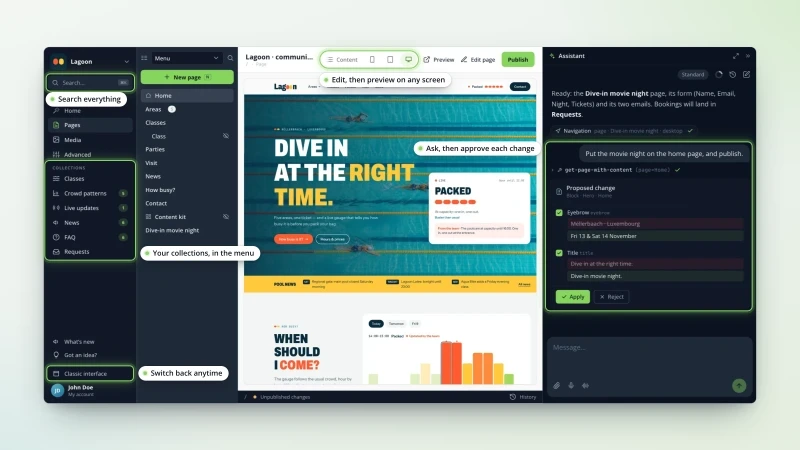
-
New feature
Your iPhone photos upload like any other image
iPhone photos in HEIC/HEIF, HDR shots included, now upload, preview and resize like an ordinary JPEG. The same goes for TIFF, PSD and BMP files.
Read the update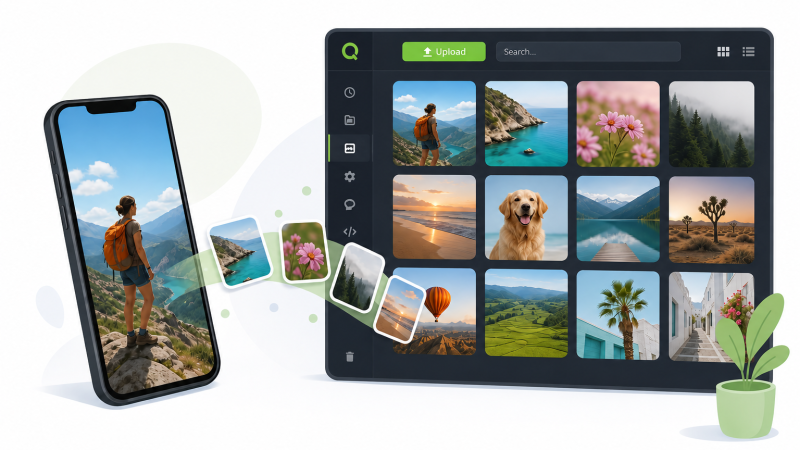
-
New feature
See at a glance where each media file is used
A « Usage » tab on every media file lists all the pages, articles and events that reference it — no more fear of deleting an image that's still live.
Read the update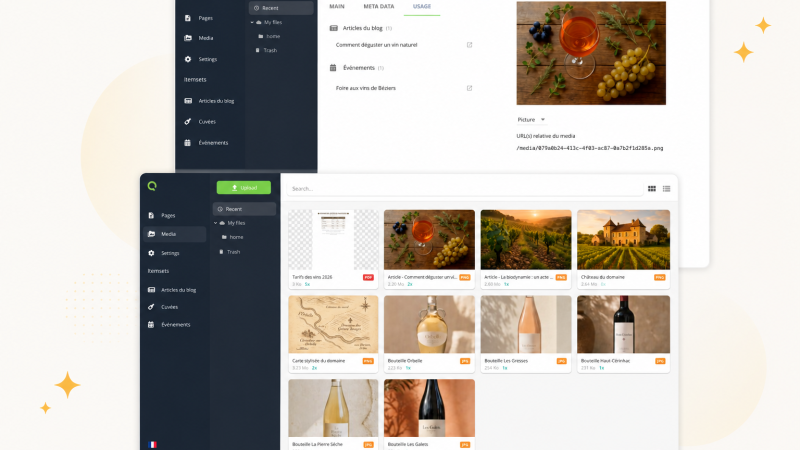
-
New feature
A bigger media view, with built-in context
The media edit view is now larger, with a much bigger preview. For photos, the information embedded in the file (camera, date, location, captions) appears automatically.
Read the update
-
New feature
Preview your site on mobile, tablet and desktop
A responsive preview built into the CMS with mobile, tablet and desktop frames — no more back-and-forth with your browser's dev tools.
Read the update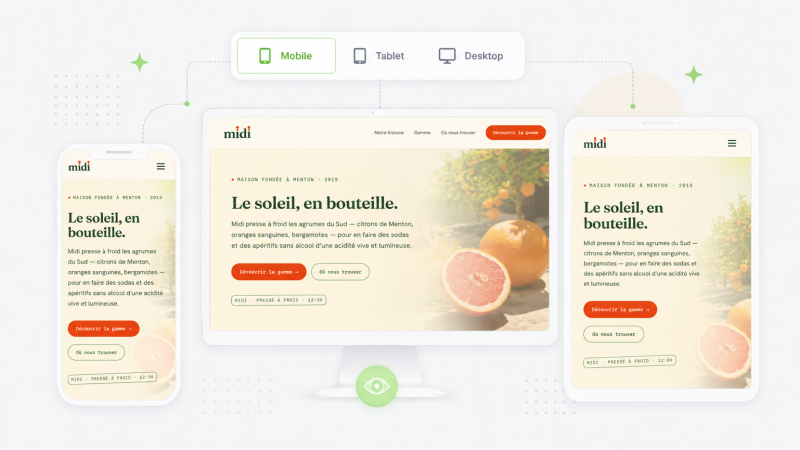
-
New feature
Keep an eye on background tasks
A subtle badge tells you in real time whether the CMS is still working in the background — handy to know when your public site is truly up to date.
Read the update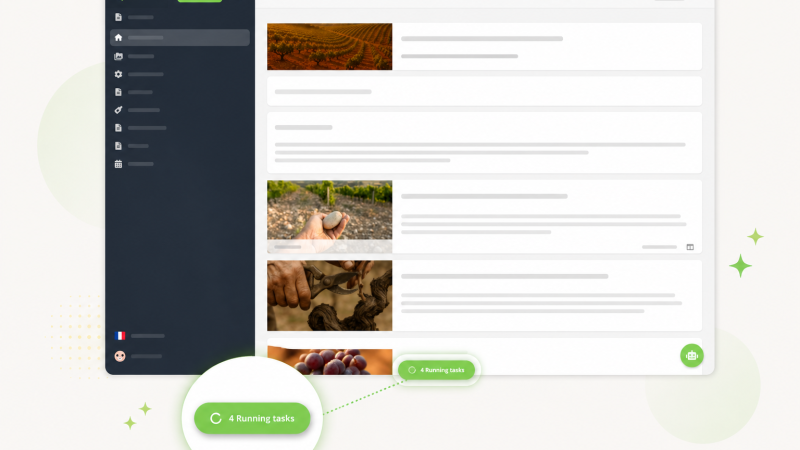
-
Improvement
A faster infrastructure for your sites
Quilium has modernised its infrastructure: a more responsive back-office and faster public sites, with nothing to change on your side.
Read the update