Your iPhone photos upload like any other image
iPhone photos in HEIC/HEIF, HDR shots included, now upload, preview and resize like an ordinary JPEG. The same goes for TIFF, PSD and BMP files.
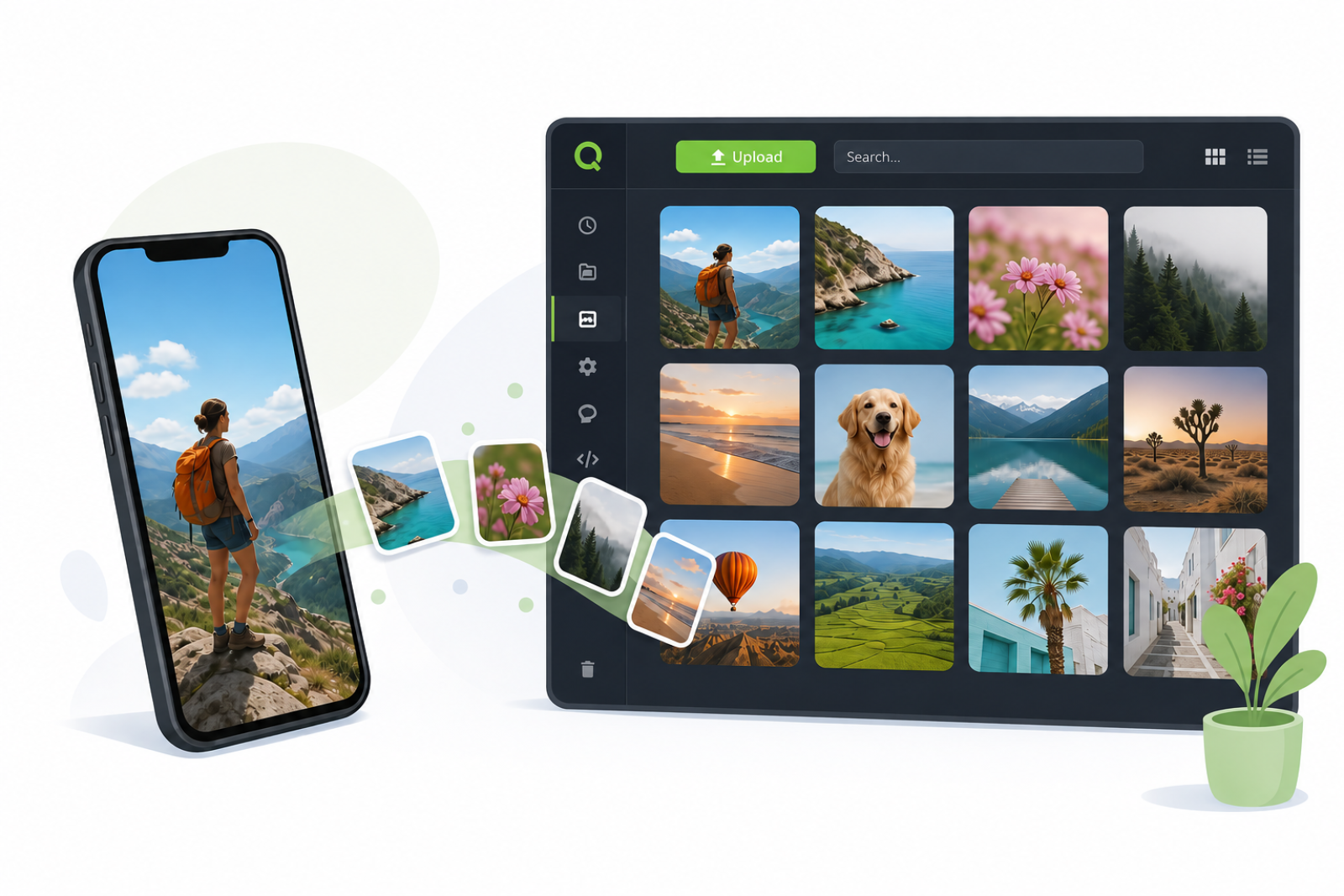
iPhones often save their photos as HEIC. Recent versions of Safari display the format, but support across the other browsers is far from universal — so these files cannot be published as they are. Until now, sending one to your media library either failed outright or produced a broken preview — sometimes with the colours inverted, blue turning green. That is over: drop an iPhone photo into Quilium and it behaves like any other image.
What happens on upload:
- The photo is converted once to JPEG — or to PNG if it really uses transparency — and capped to your site's maximum resolution.
- Its EXIF data (camera, date, location, captions) is carried over and readable in the « File metadata » tab.
- Every version defined on the field is generated as usual, with faithful colours.
HDR photos from recent iPhones, which used to be refused outright, now go through as well.
The rule goes beyond the iPhone: any original browsers cannot be trusted to display — TIFF, PSD, BMP — is now stored in a web-readable format. GIF, SVG and ICO files are left untouched, so animations keep working.
Speed follows: a 48-megapixel photo took minutes to process and held up everyone else's uploads behind it. It now takes a few seconds.
Two things worth knowing. The file kept in your library is the converted one, so keep the untouched original on your side if you need it. And the rare HEIF files encoded beyond 8 bits — no iPhone produces any — are stored and downloadable, but get no preview.