New feature
A bigger media view, with built-in context
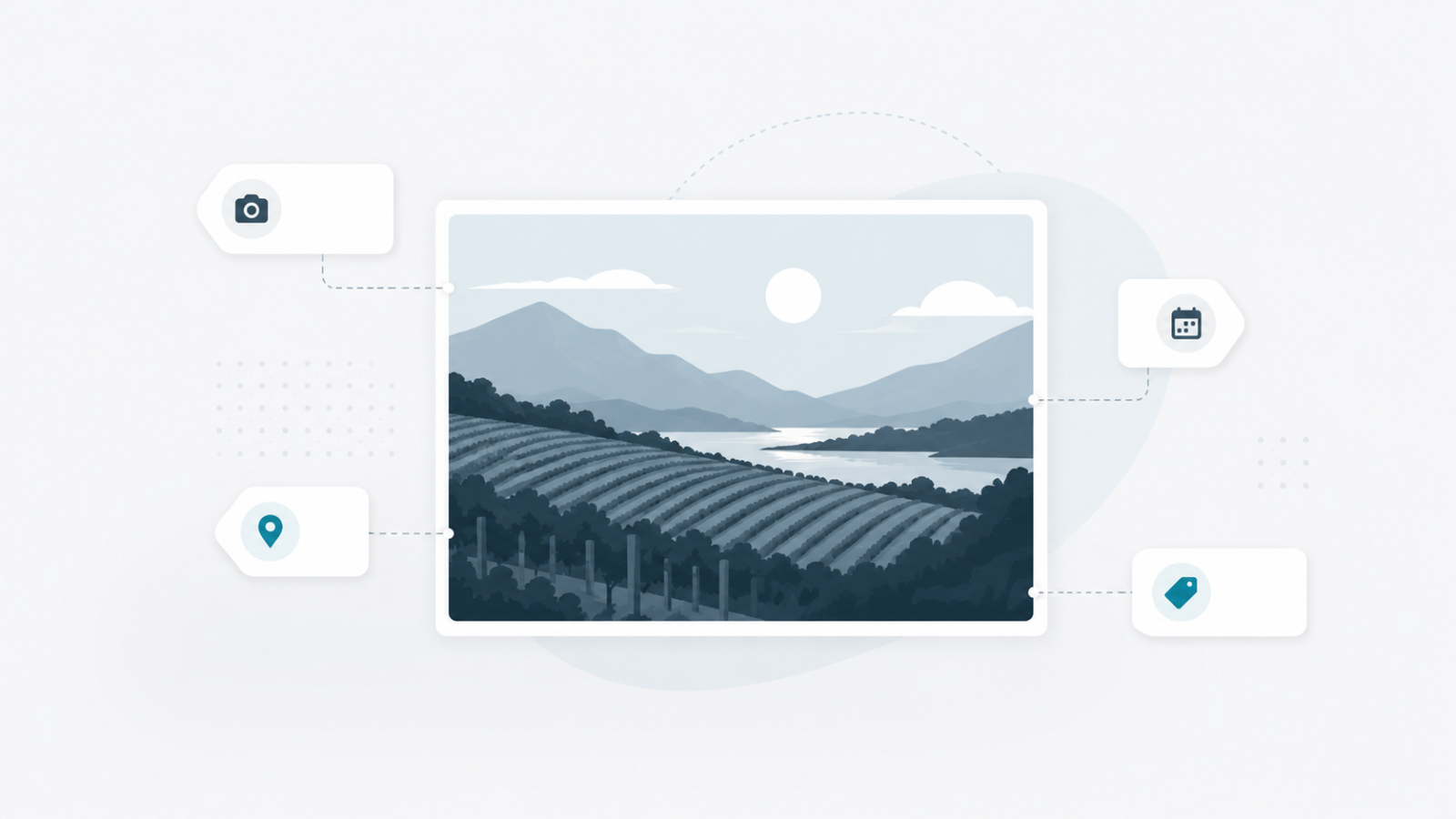
The media edit view is now larger, with a much bigger preview. For photos, the information embedded in the file (camera, date, location, captions) appears automatically.
Opening a media file from your library now brings up a wider window, with a much larger preview. You can view images, PDFs, videos, audio, as well as text, Markdown and CSV files directly, without downloading.
For photos, a new « File metadata » tab shows what the camera and the photographer recorded into the file:
- Camera model, lens, aperture, shutter, ISO, focal length, capture date.
- Captions, keywords and copyright added by the photographer.
- GPS location, with a direct link to the map.
Everything is extracted automatically on import. For photos already in your library, the analysis happens in the background as you reopen them — nothing to do on your side.